
Your garden starts here
Take your next step with Sanctuary.
Available now on Android. A growing garden for the movement already in your day.
Android · Google Play
Walk. Grow. Bloom.
Install Sanctuary from the official Google Play listing. Check the listing for current device compatibility, version and availability.
Get it on Google PlayFor adults aged 18 and over.

On your computer? Scan with your Android device. Or use the Google Play button above.
Before your first bloom
A few things to know.
- Create an account in the app, then follow the Health Connect setup.
- Allow eligible step data to sync so the server can calculate Spirit Energy and plant progress.
- Your garden starts with Small, with Medium and Large unlocked through progress.
- Reward availability and eligibility vary. Review each offer in the app before redeeming flowers.
Read our privacy policy and terms of service for the full details, including how health information is used.
On iPhone?
The iOS version is in development. There is no iOS download available from this website. Follow Sanctuary's official social channels for news.
Need a hand?
Visit support for questions about installation, step syncing, permissions, rewards or your account. You can also find the existing account-deletion instructions on this site.
A garden of your own
A look inside Sanctuary
Five screens from the Android app, from your first welcome to a history of every harvest.
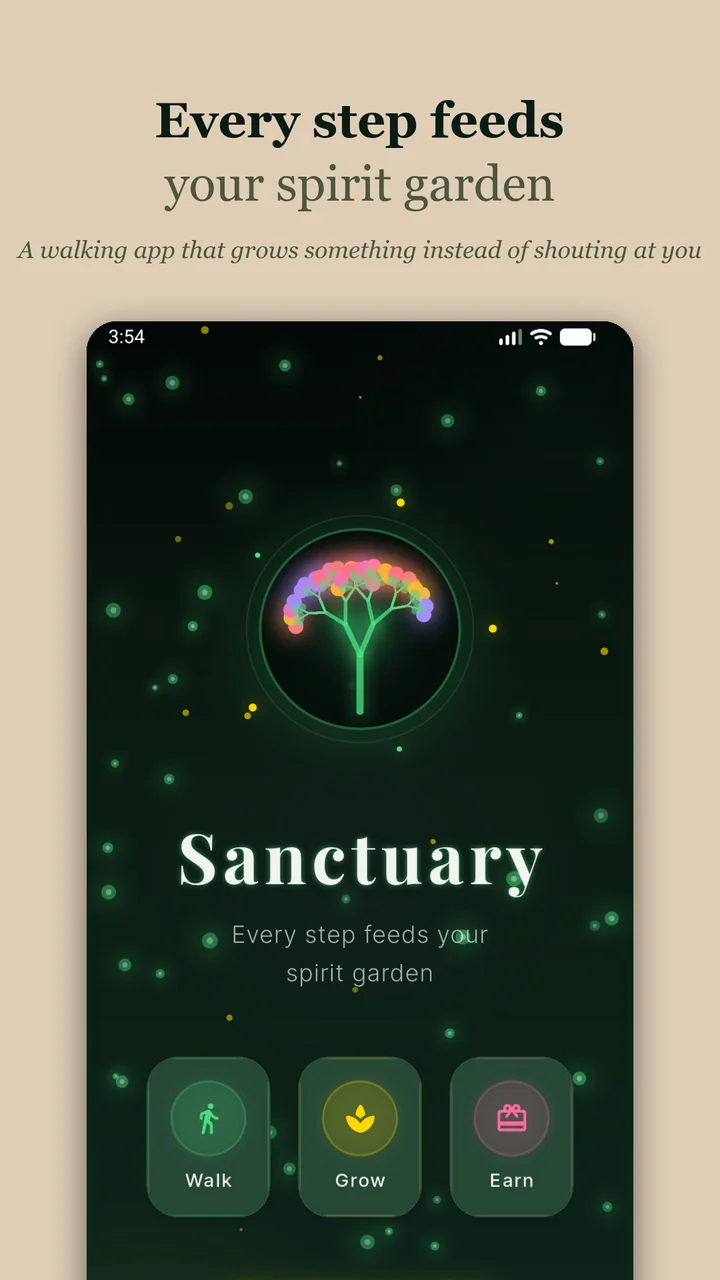
Begin your journey 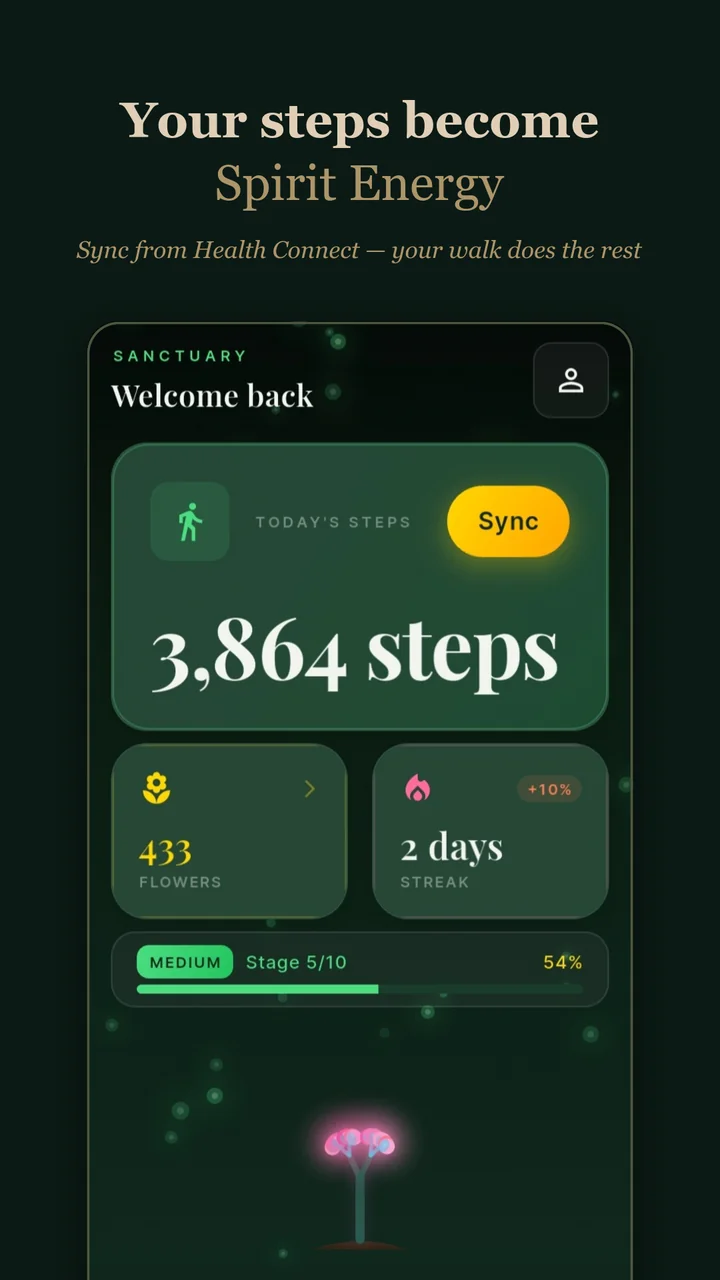
See your daily progress 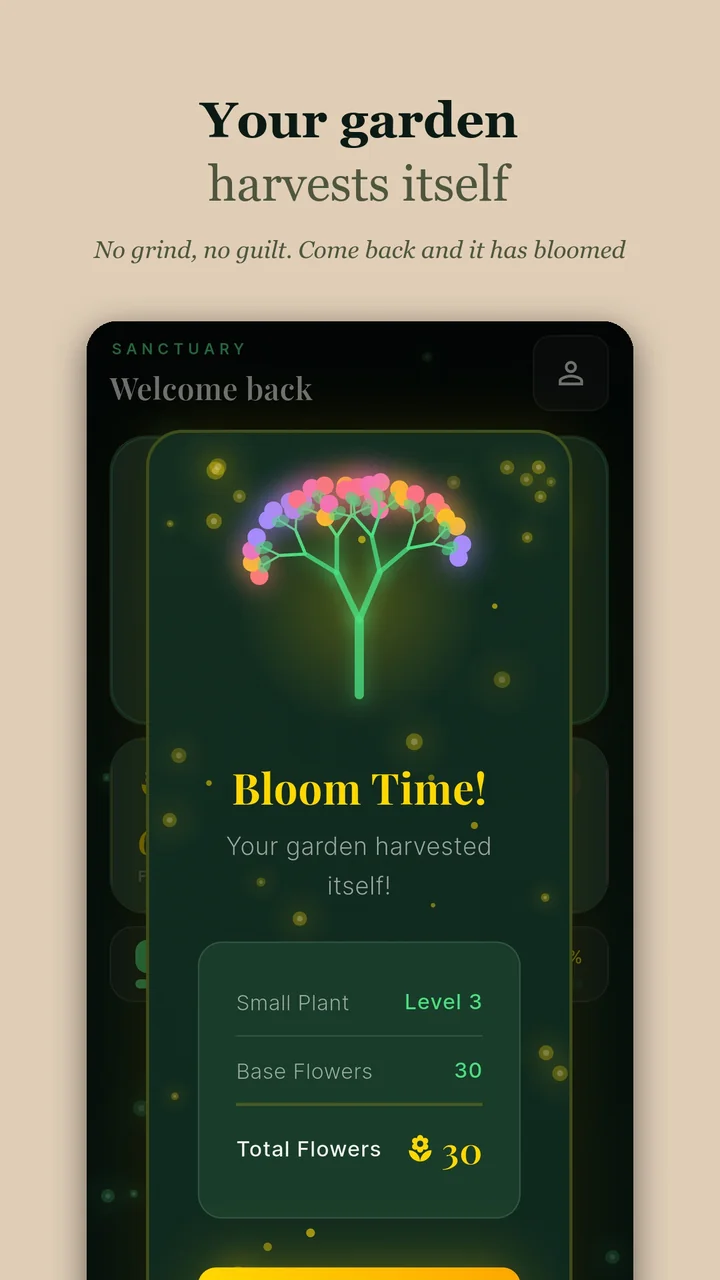
Follow your growing garden 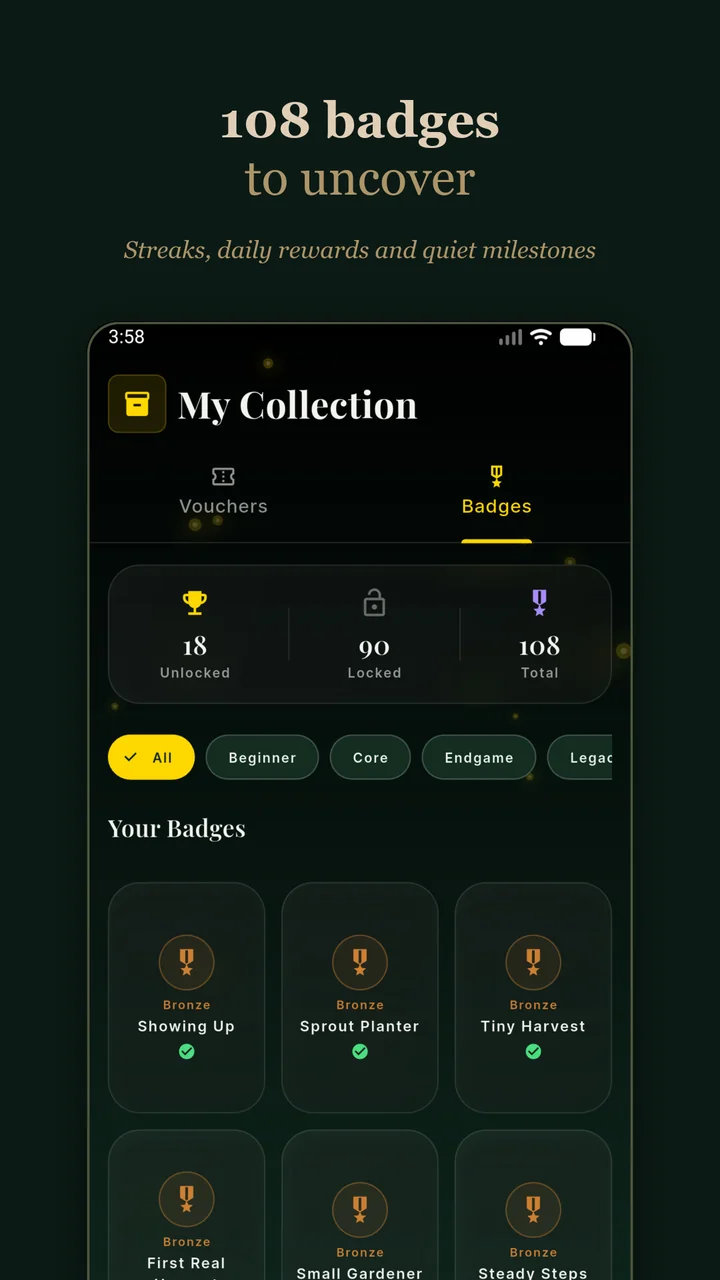
Celebrate milestones 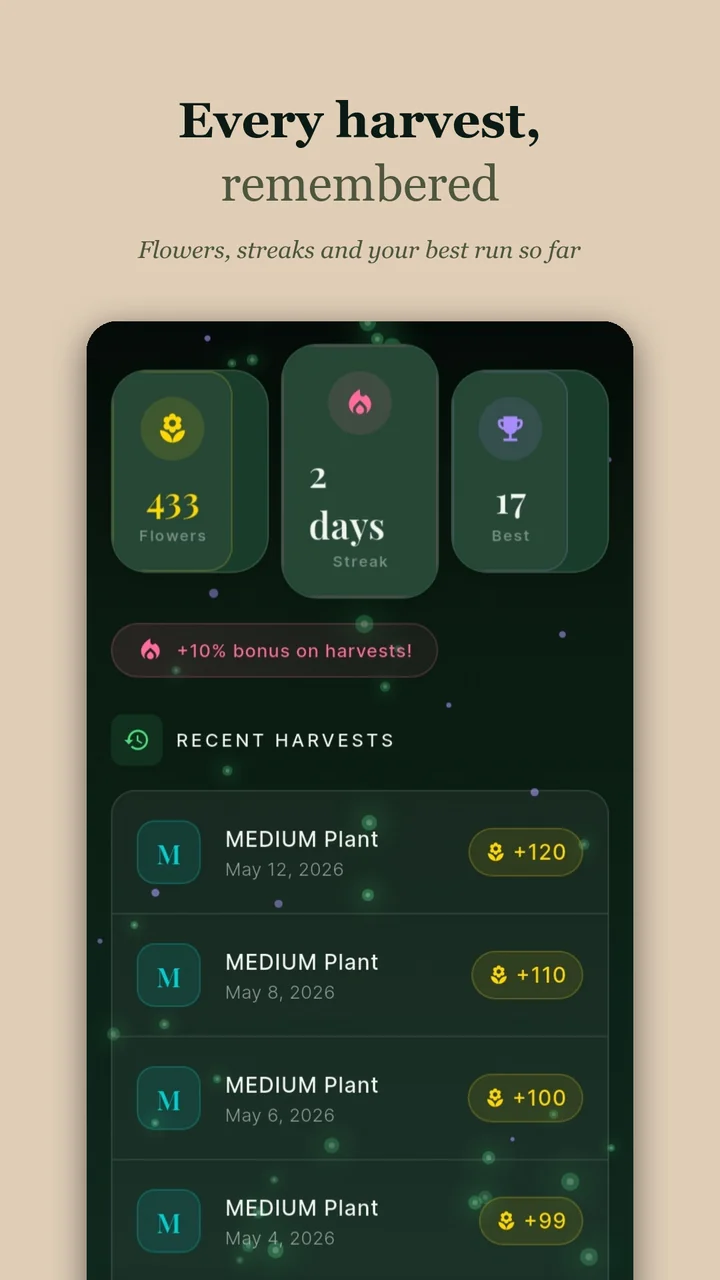
Look back on your harvests
Official phone marketing screenshots published on Google Play. App layouts may vary by device and version. Illustrated progress, balances and rewards are examples; current availability and terms apply.