Steps to follow
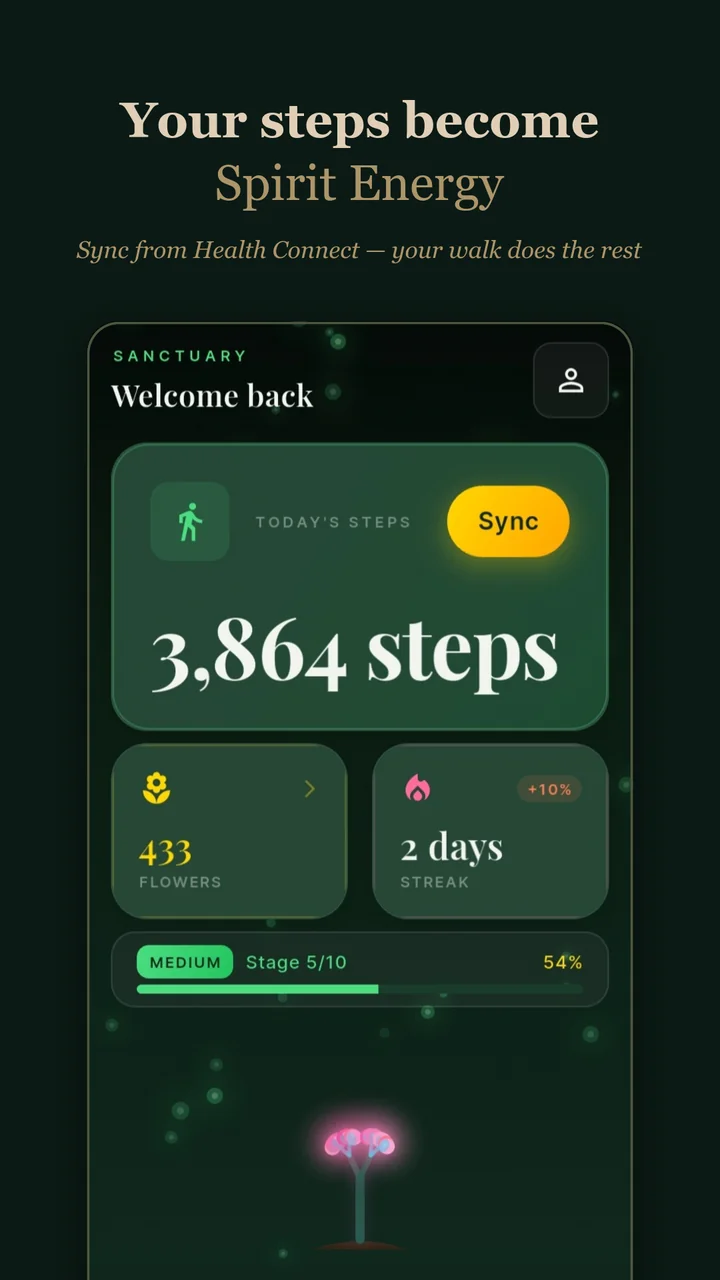
- Sync eligible steps from Home. Accepted steps become Spirit Energy for the active plant; conversion rates and bonuses follow current app rules.
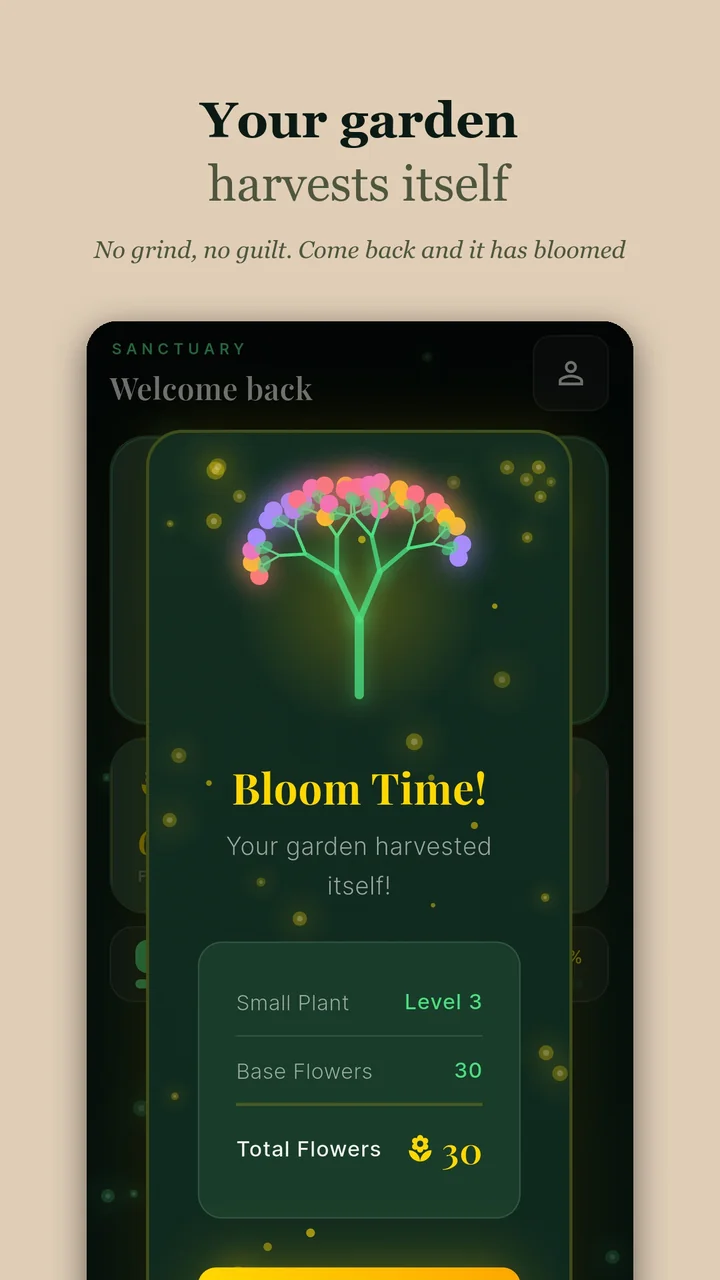
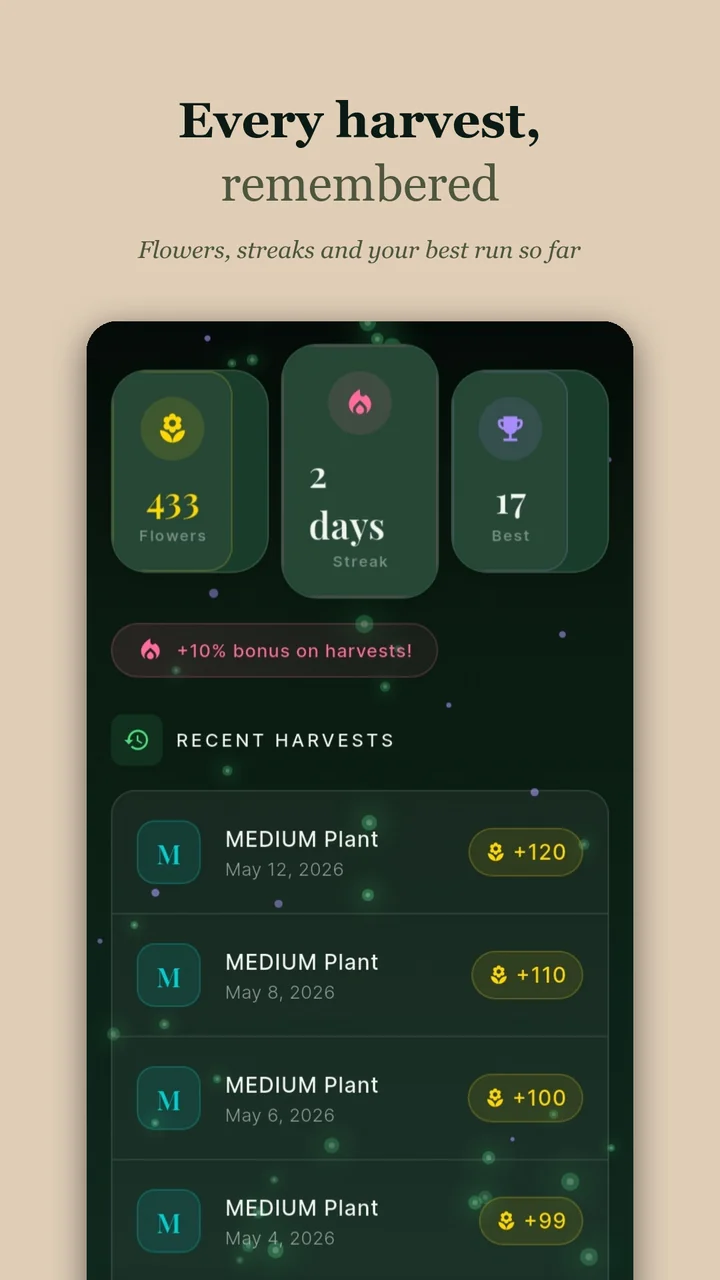
- Watch the active plant progress through its stages. At stage 10, the server harvests the plant and adds Flowers. You do not need to manually assign Energy or trigger the harvest.
- Open Rewards and select an available reward. Read the Flower cost, terms and How to claim before choosing it. Region, stock, eligibility and verification may apply.
- Choose Redeem for the displayed Flower cost and review Confirm carefully: redemption consumes Flowers and cannot be undone. For a redeemed voucher, use Reveal Code and Copy Code, then follow the partner’s claim instructions.
What to keep in mind
Flower balances, costs, bonuses and availability can change. Website promotions do not guarantee an in-app reward. Do not share voucher codes or sensitive health information in a support enquiry.
Read the privacy policy and terms of service for the full disclosures.